August 28, 2026 · 4 min read
What your DEX file already knows about your machine
A DEX read is not just a sales total. It carries per-coil movement, power and door events, every temperature sensor, and the machine's own clock. Here is what is in there.
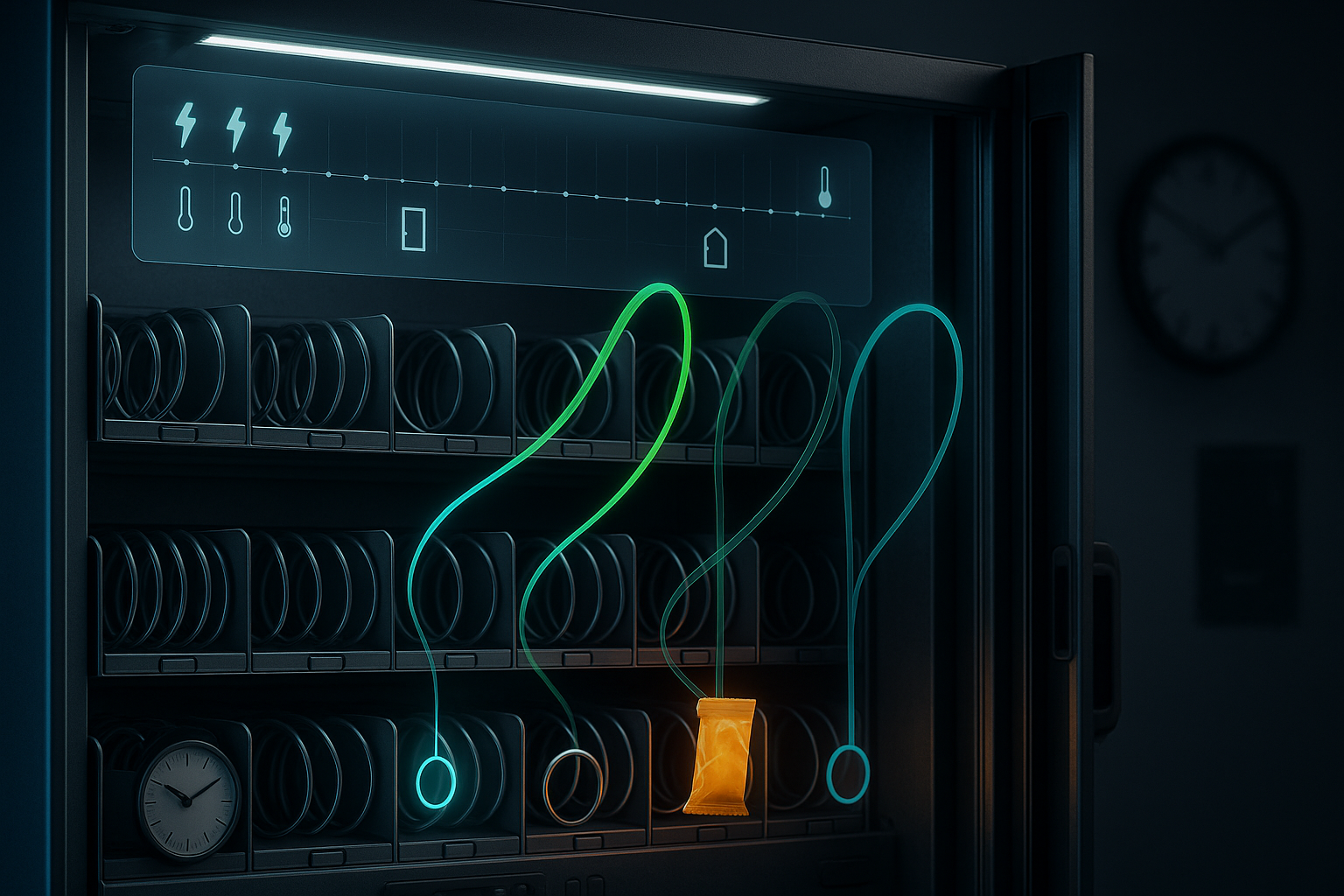
What your DEX file already knows about your machine
Most operators meet DEX exactly once. Somebody sets up the telemetry, a number starts appearing on a screen, and that is the end of the relationship. The number is usually total vends, or total cash, and it is fine.
The number is also about two percent of the file.
A DEX read is the machine writing down what happened to it since the last time anyone asked. Not an estimate, not something reconstructed from card transactions in the cloud — the machine’s own record, in the machine’s own words. Once you know what is in there, a lot of questions you currently answer by driving out to the site get answered from a desk instead.
The coil is the unit of truth
The part of a DEX read most operators never see is the per-selection block. Every coil in the machine reports itself: what it is set to, what it costs, how many times it has vended in its life, and how many times it has vended since the last read.
That last one is the useful one. Fleet-wide sales tell you the machine is doing well. Per-coil movement tells you the machine is doing well because of four selections, and that the other twenty are carrying freight for them.
It also gives you a cleaner read on stockouts than a total ever will. A machine that sold twelve items yesterday and zero from slot 125 is not a slow machine. It is a machine with an empty coil, or a jammed one, and the difference between those two is the difference between a restock and a service call. In our demo fixtures, one machine shows selections 125 and 145 at six vends each while the rest sit at three or below. That is next visit’s load plan, and it comes out of the read for free.
The machine keeps a diary
The other thing in the file is events. The machine notices things and writes them down, and it keeps writing them down whether or not anyone is reading.
Two matter more than the rest.
Power loss. Every time the machine loses power, it logs it. One event is a building doing building things. A cluster of them is an electrical problem at the location, and it is the sort of problem that gets blamed on the machine, or on you, until someone can show a list of timestamps. Our fixture machine shows a run of power events over a weekend — three one day, five the next — and then nothing. That shape is a story: something happened at the site, and it was not the vender.
Door openings. The machine records when its door was opened. Match that against your own service records and you know whether the visit you were billed for happened, whether the machine was opened between visits, and whether a “we restocked it” claim lines up with a door that never moved.
Neither is exotic. Both are already in the read you are already pulling.
Temperature is a list, not a number
Refrigerated machines report temperature, and most software shows you one figure. Real machines often have more than one sensor, and they do not always agree.
VendGogh keeps every sensor the machine reports, each with its own trend, because the trend is the part that tells you something. A cabinet sitting at the wrong temperature is a problem you already know about — the product looks wrong when you open the door. A cabinet that is two degrees warmer every week is a compressor on its way out, and it is invisible right up until the day it is a truckload of spoiled product and an unhappy location.
The machine’s clock is the one that counts
Here is the piece that sounds like a technicality and is not.
Every read is timestamped twice. There is the moment your telemetry device delivered it, and there is the moment the machine says it happened, by the machine’s own internal clock. Those are different, sometimes by hours.
If you build a day’s sales off the delivery time, a read that arrives at 00:40 lands the previous evening’s vends in the wrong day, and every daily total near a boundary is slightly wrong. If you build it off the machine’s clock, the numbers match what actually happened at that location — which is the version your location manager sees, and the one you want during a commission conversation.
The same applies to last sale. The machine records the moment of its own most recent vend, so “nine hours ago” means nine hours by the machine, not nine hours since some server last heard from it. A machine that has not sold anything since yesterday afternoon is a different problem from a machine that has not reported since yesterday afternoon, and only one of them needs a truck.
Do this today
- Pull one DEX read from your best machine and look at it as a text file. Just once. It demystifies the whole thing.
- Find the per-coil section and rank your selections by vends since last read. Note the bottom five.
- Check whether anything in your current setup retains power-loss events. If not, that history is being thrown away every read.
- Compare a machine’s door-open timestamps against your service log for last week.
- On any refrigerated machine, write down every temperature sensor it reports, not just the headline figure.
- For one machine, compare its own last-sale time to its last-read time. Learn the gap on a healthy machine so an unhealthy one stands out.
None of this requires new hardware. The file is already arriving. It is a matter of whether it gets read or rounded off to a total.
See what VendGogh keeps from every read on our fleet observability feature page.
dex telemetryfleet observabilitymachine healthvending data